 Nadi
Nadi
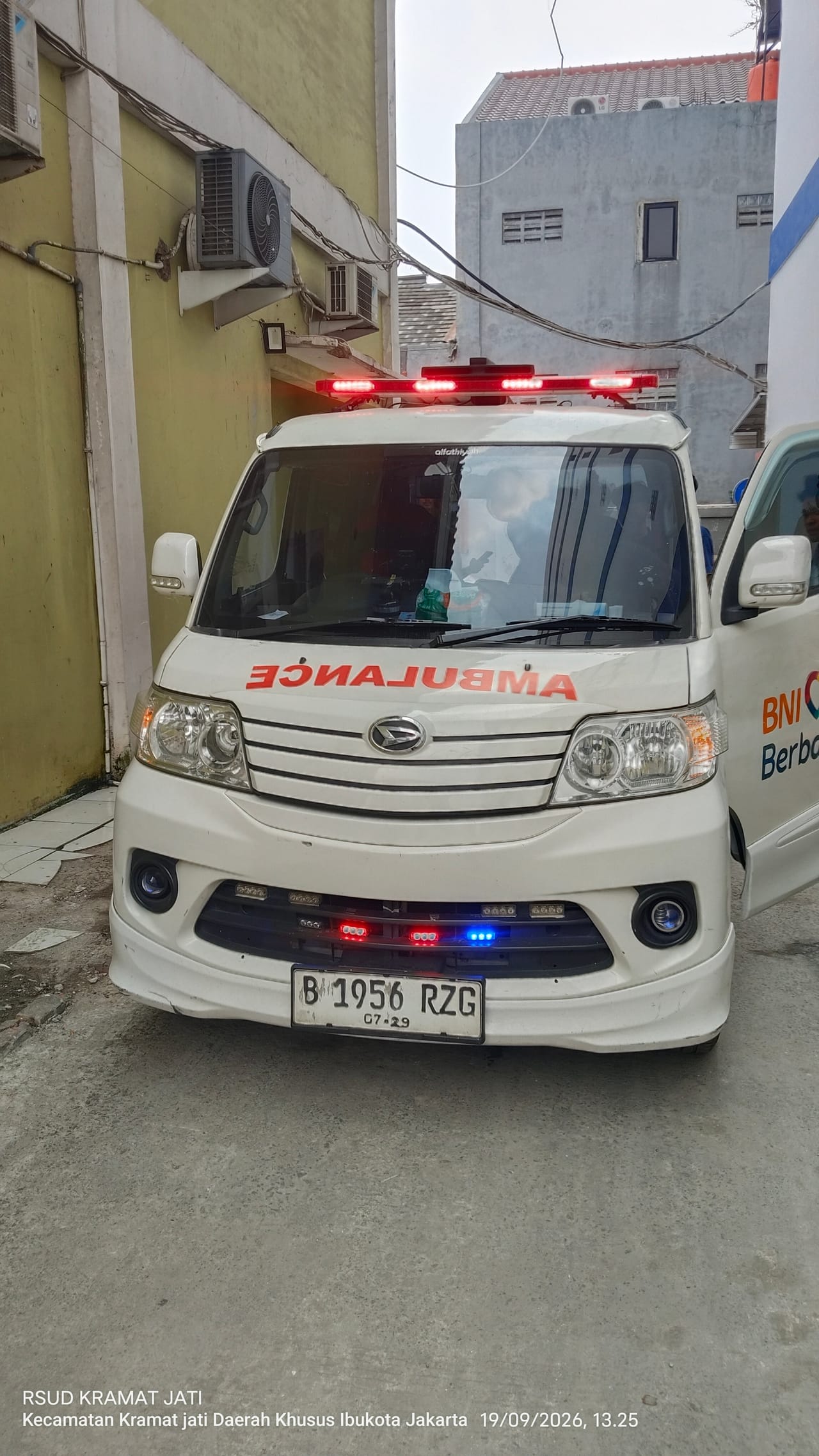
Ambulances are not only for emergencies. Many families need one for a referral to another hospital, a check-up, dialysis, or to bring a patient home. Trips like these can be booked at any hour, day or night, and can be scheduled. The ambulances and crews come from licensed partner organisations, and a Nadi dispatcher watches every order.
When to use Medical Transport
- A referral from one hospital to another.
- Check-ups or regular treatment, such as dialysis. The booking can repeat every week.
- Going home from hospital.
- Trips out of town.
What to have ready
- The pickup and destination addresses.
- A number we can reach.
- The patient’s ID card (KTP) and family card (KK).
- The referral letter and the patient’s medicines, if any.
How to book
- Choose the service and destination. Choose Medical Transport, then enter the pickup and the destination.
- See the price, then book. The price shows before you book, and that is the price you pay.
- Follow it on the map. You can see where the vehicle is and share the tracking link with family.
You can book for now, schedule ahead, or repeat a booking. You can also book for a family member: enter the patient’s name and a number we can reach.
What it costs
Medical Transport is a base fare plus a per-km rate, with a minimum fare. Beyond 60 km the price comes from a partner’s quote. Worked examples are in Ambulance and hearse costs, and the latest rates are on the prices page.
In an emergency
For an emergency, use SOS in the app: one tap, free, and a Nadi operator passes it to the nearest unit on standby. If there is no unit near you yet, call 119.
The Nadi app for Android is coming soon to Google Play. Questions? Reach us through the contact page.